
Introduction
In today’s digital world, visual presentation plays an important role in attracting attention and sharing information. Whether you publish YouTube videos, maintain a blog, or create social media posts, an attractive thumbnail can help your content make a strong first impression. A carefully designed image gives viewers a quick understanding of the subject and encourages them to explore further.
Creating professional-looking thumbnails is easier than ever. With suitable images, thoughtful color choices, and a balanced layout, even beginners can develop appealing designs. Understanding the fundamentals of thumbnail creation can help you present your content clearly and build a consistent visual identity.
What Is a Thumbnail?
A thumbnail is a small preview image that represents a larger piece of content. It commonly appears alongside videos, articles, tutorials, and online resources. Its primary purpose is to communicate the topic visually before someone opens the content.
For example, a travel video might feature a beautiful destination, while a cooking tutorial could display a finished dish. A technology review may show a smartphone or computer. These images provide useful context and help audiences decide which content interests them.
An effective thumbnail should be relevant, easy to understand, and visually appealing. It should represent the actual content rather than create expectations that the material cannot fulfill.
Why Are Thumbnails Important?
Thumbnails help content creators communicate their ideas quickly. Since internet users often browse multiple videos and articles within seconds, a recognizable image can make a piece of content easier to notice.
One major benefit is improved presentation. A well-organized thumbnail makes a website or channel appear more professional. Consistent designs can also strengthen branding by using similar colors, typography, and visual elements across related posts.
Thumbnails may also encourage viewers to click on content that matches their interests. However, an attractive image alone cannot guarantee engagement. The quality of the content, the headline, and the relevance of the subject also influence audience decisions.
Key Elements of an Effective Thumbnail
1. Select High-Quality Images
Start with a clear image that directly relates to your topic. Avoid blurry photographs, distracting backgrounds, and unnecessary objects. The main subject should remain recognizable when the image is displayed at a smaller size.
2. Choose Suitable Colors
Colors can influence the mood and appearance of a design. Bright combinations may suit entertainment content, while neutral shades can work well for educational articles, lifestyle blogs, and home improvement topics. Use contrasting colors carefully to make important elements stand out.
3. Use Simple and Readable Text
If your design needs text, select a short phrase that communicates the central idea. Use a readable font and make sure the text contrasts with the background. Too many words can make the image look crowded, particularly on mobile screens.
4. Maintain a Balanced Layout
Arrange the main subject and supporting elements thoughtfully. Leave sufficient empty space and avoid unnecessary decorations. A clean composition helps viewers understand the message without feeling overwhelmed by visual details.
How to Create Better Thumbnails
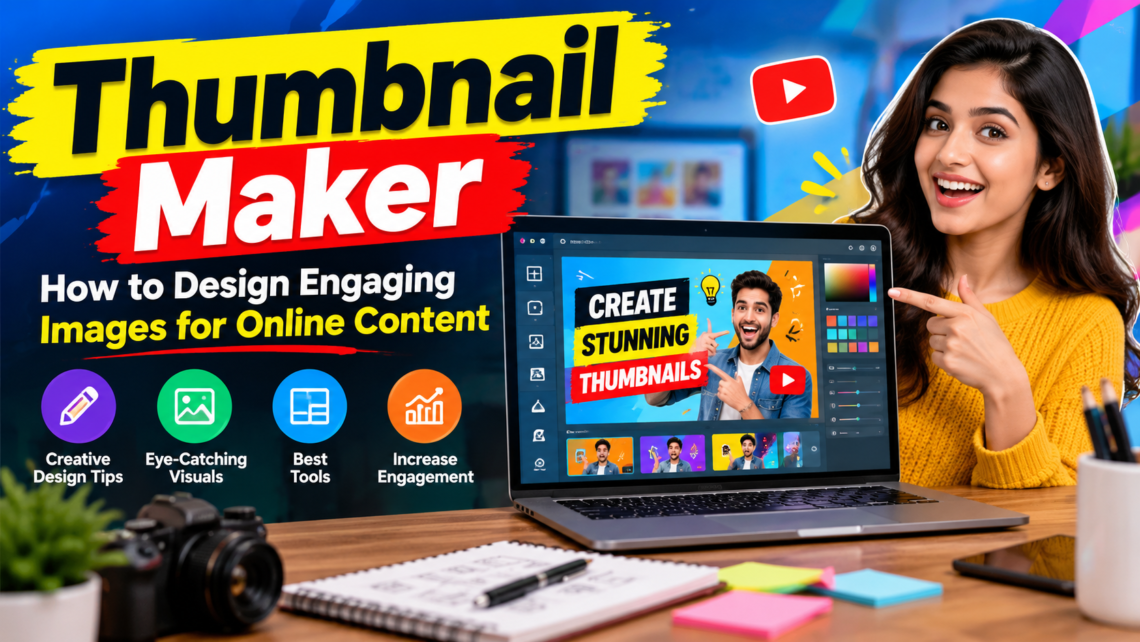
A thumbnail maker can help simplify the design process by providing templates, cropping tools, backgrounds, fonts, and editing features. These resources allow beginners to create customized visuals without needing extensive graphic design experience.
First, identify the purpose of your content and the audience you want to reach. Next, choose an appropriate image and select dimensions suitable for your publishing platform. Arrange the visual elements, adjust the colors, and add text only when it improves understanding.
Before publishing, preview your design at a small size. Check that the main subject is visible, the layout looks balanced, and the image accurately represents the content. Export the finished design in an appropriate image format.
Common Mistakes to Avoid
Using poor-quality images, overcrowding the layout, and selecting difficult-to-read fonts can weaken a thumbnail’s appearance. Excessive colors and decorative effects may also distract viewers from the main subject.
Another mistake is copying existing designs too closely. Instead, use successful examples for inspiration and develop an original style that suits your content. Always prioritize honesty and relevance over exaggerated visuals.
Conclusion
An effective thumbnail combines relevant imagery, suitable colors, readable text, and a clear composition. By applying these principles, bloggers, video creators, and social media publishers can improve the presentation of their work. Experiment with different designs, observe audience responses, and continue refining your approach to create visuals that communicate your message effectively.